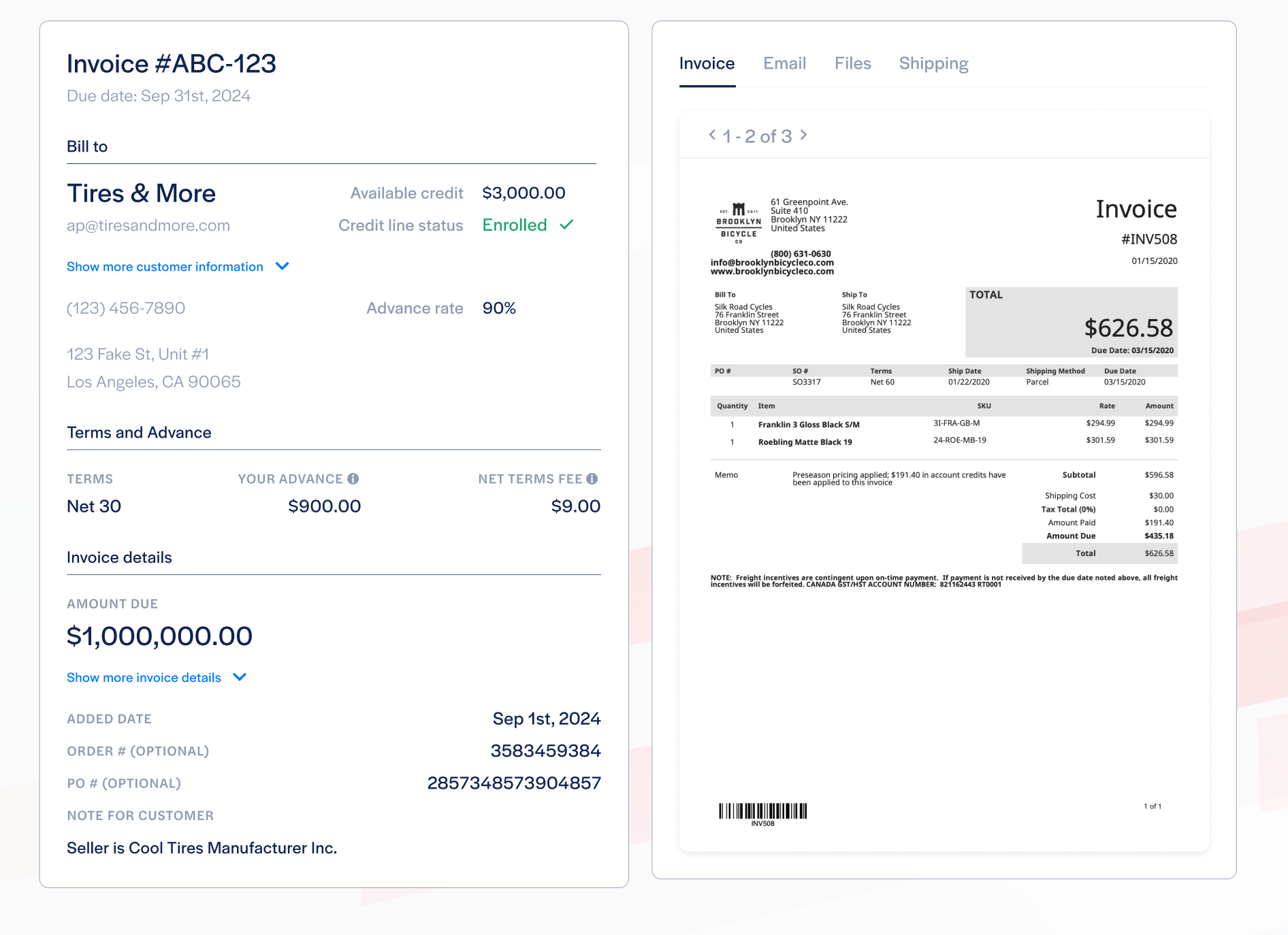

Hi! We've streamlined the process of typing invoice details into Resolve using AI. Now, we will use AI to read your invoice file and automatically enter the invoice details in the "Add invoice" modal. The results will be displayed to you so you can verify they are correct and add any details that were missed. More information below:
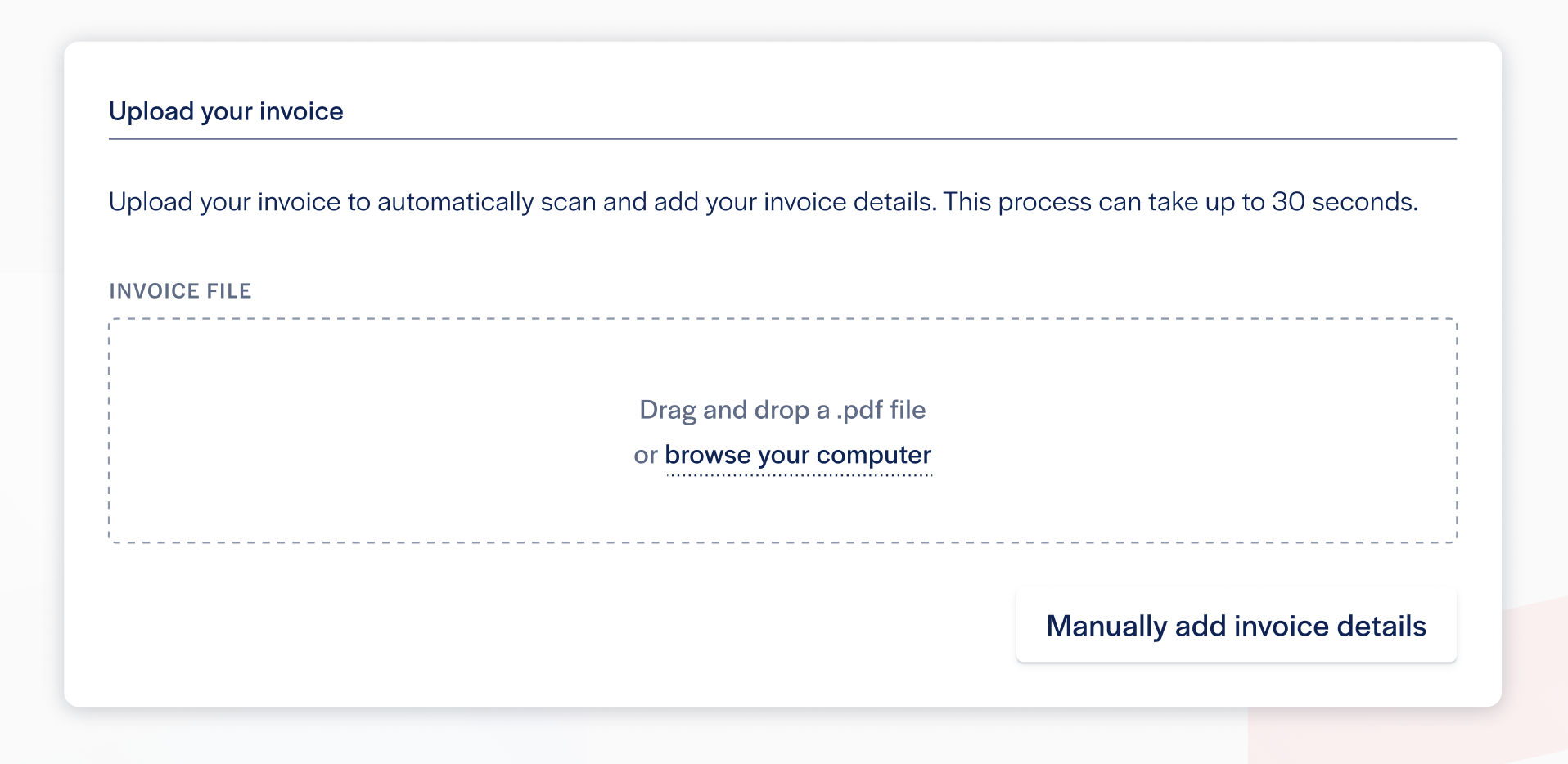
- First step in adding an invoice will be to upload the invoice file
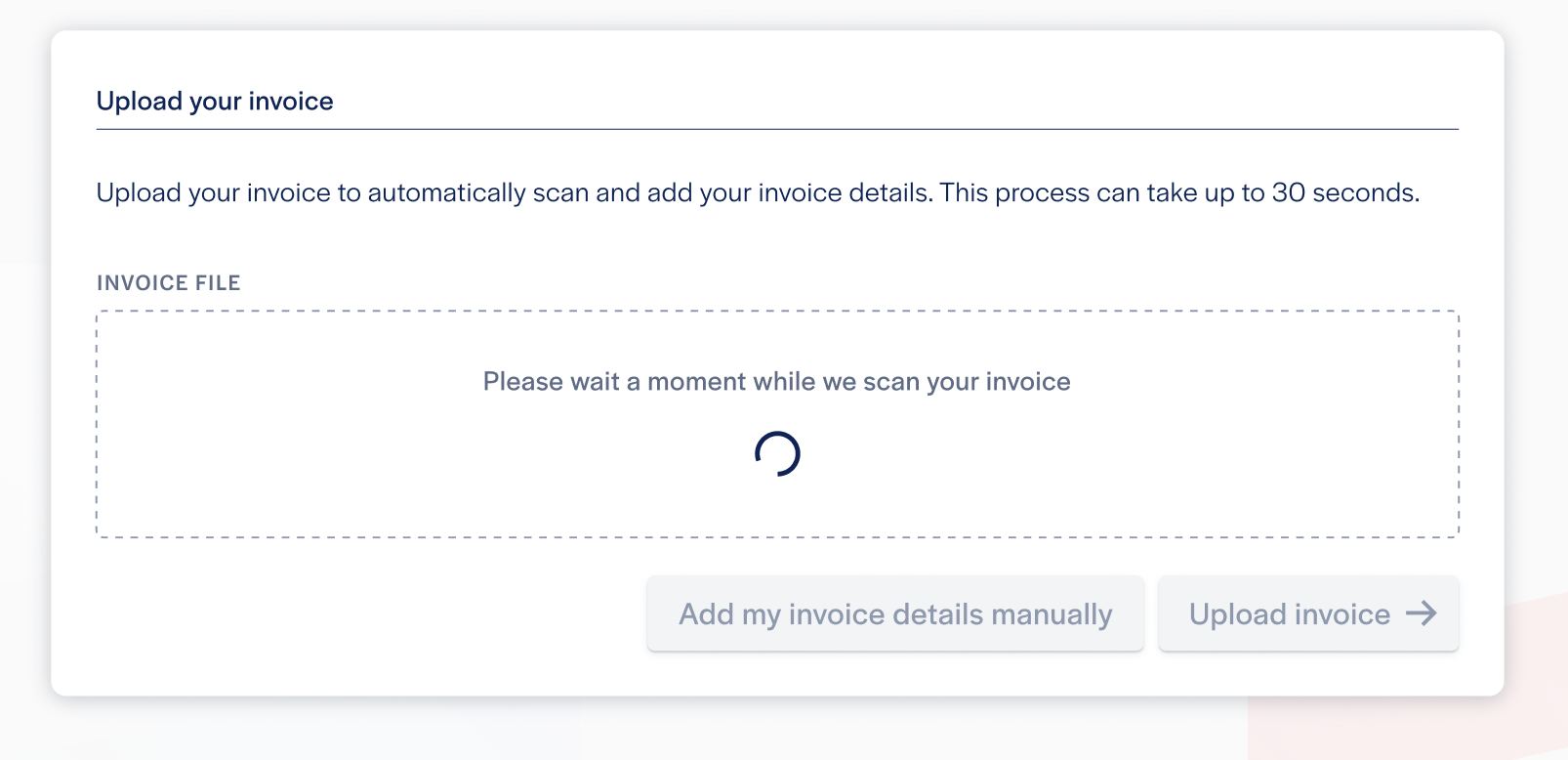
- It should take about 10-15 seconds for AI to read your invoice
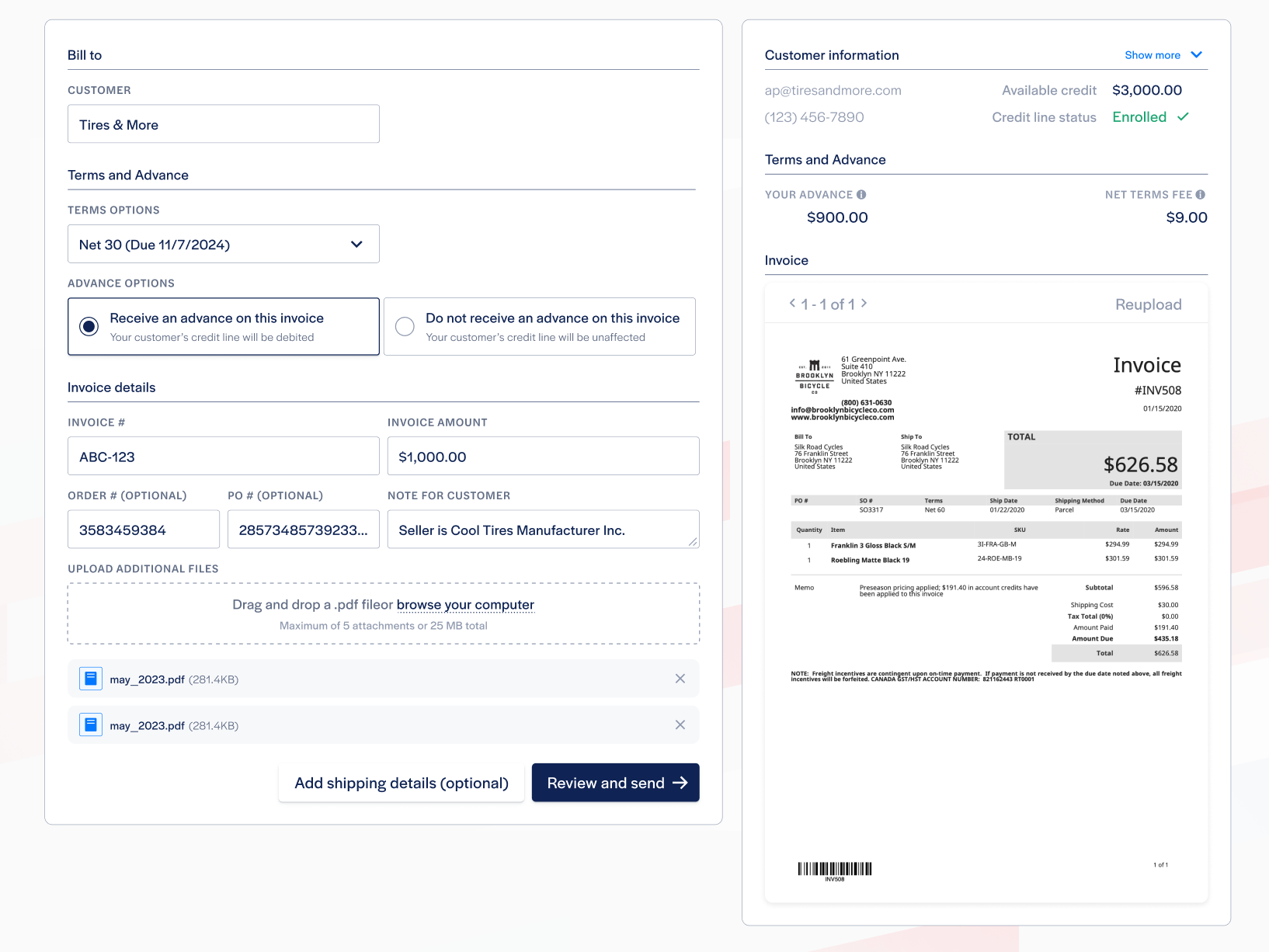
- When finished you will see the invoice fields and your invoice file side-by-side. Be sure to confirm the details are correct.
- After adding invoice details, you can review your invoice before sending